
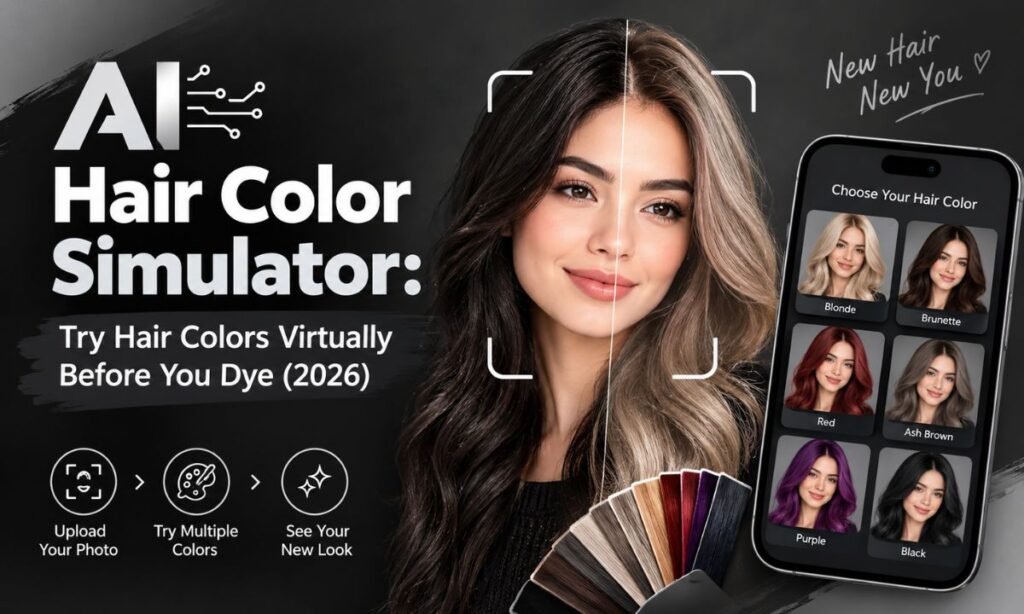
Nobody enjoys the moment after a bad dye job. The shade on the box looked perfect, but the one in the mirror does not. An AI hair color simulator removes that gamble by showing you the result before you commit.
You upload a photo, pick a shade, and see a preview in seconds. This guide explains how these tools work, how to get realistic results, and how to turn a good preview into a good real-life color.
What Is an AI Hair Color Simulator?
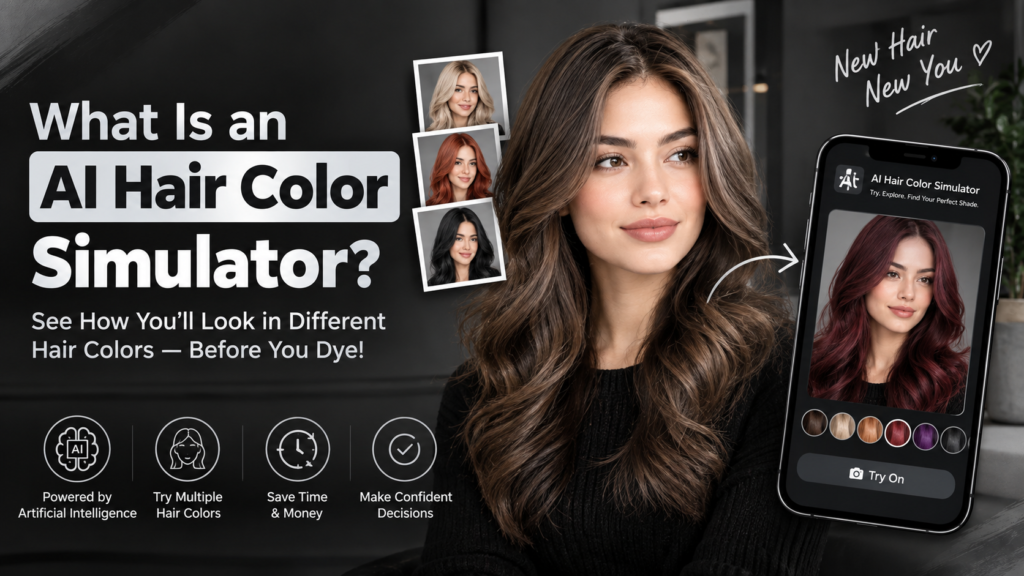
An AI hair color simulator is an online tool that digitally recolors the hair in your photo. It is also called a virtual hair color try-on or a hair color changer. You do not need any special skills to use one.
The software finds your hair, separates it from your face and background, and applies a new color. Good tools keep your natural highlights, shadows, and texture. This makes the result look like real hair and not a flat layer of paint.
Most simulators work in a browser or a phone app. Many have a free tier, so you can experiment as much as you like. Some also offer paid plans with higher resolution and extra shades.
The main purpose is simple: to help you make a confident choice. Instead of guessing from a swatch or a model photo, you see the color on your own face. That personal view is what makes these tools so useful.
How Does an AI Hair Color Changer Work?
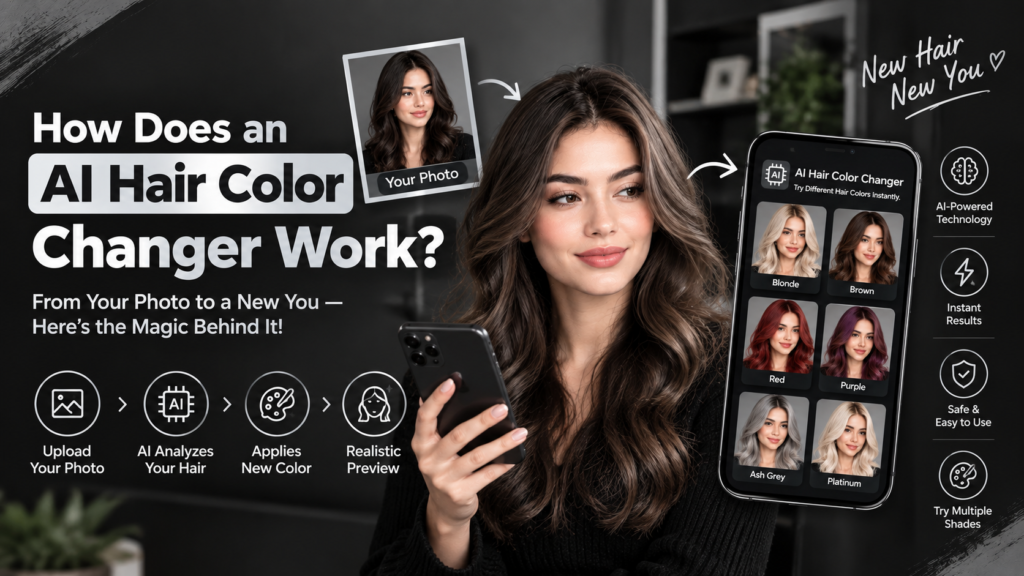
Behind the scenes, three main steps take place. Each one affects how natural the final image looks. Understanding them helps you judge the quality of any tool you try.
Hair detection: The AI outlines every strand region in your photo. This includes flyaways, curls, and the hairline. Better models can separate hair from a busy background with very little error.
Color mapping: The tool recolors that area while keeping the light and dark variation already in your photo. This is why the new shade still shows depth and shine. A weak tool skips this step and produces a flat, painted look.
Blending: Edges are softened so the new shade does not look cut out. The AI also adjusts color near the roots and ends to match real dye behavior. This final touch separates a convincing preview from an obvious fake.
Some tools also read your skin tone and face shape. They then suggest shades that suit you. These suggestions are a helpful starting point, but you should still trust your own eyes.
How to Try Hair Colors Virtually: 5 Simple Steps
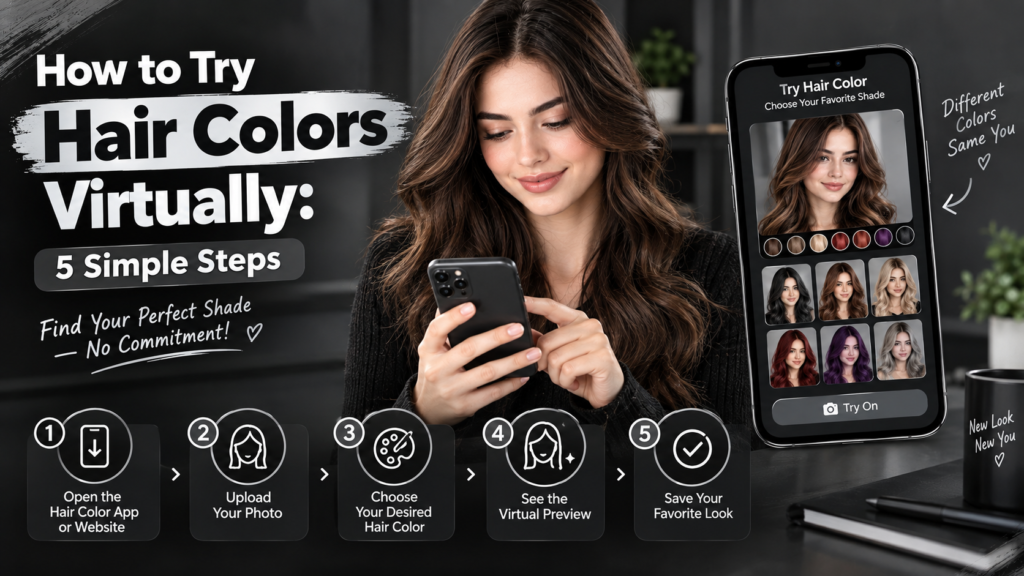
You can get a good preview in just a few minutes. Follow these steps in order for the best results. Each one takes only a moment.
1. Pick a good photo: Use a clear, front-facing shot in natural daylight. A sharp image gives the AI more detail to work with. Avoid photos with strong shadows across your face or hair.
2. Upload it to your chosen simulator: Most tools accept common file types like JPG and PNG. Wait a few seconds while the tool detects your hair. If the outline looks wrong, try a different photo.
3. Choose a shade: Start with your top pick, then add a few safer options. Include at least one color close to your current shade. This gives you a useful point of comparison.
4. Compare results: Save each version and view them side by side. Look at how each color affects your skin, your eyes, and your overall look. Small differences become obvious when the images sit next to each other.
5. Check the result in different lighting: Test a second photo, such as one taken indoors. Color can shift a lot between daylight and artificial light. A shade that works in both is a safer choice.
Quick tip: Tie long hair back only if the tool struggles with it. Otherwise, leave it loose so the AI sees the full hair shape.
What Makes a Photo Work Well?
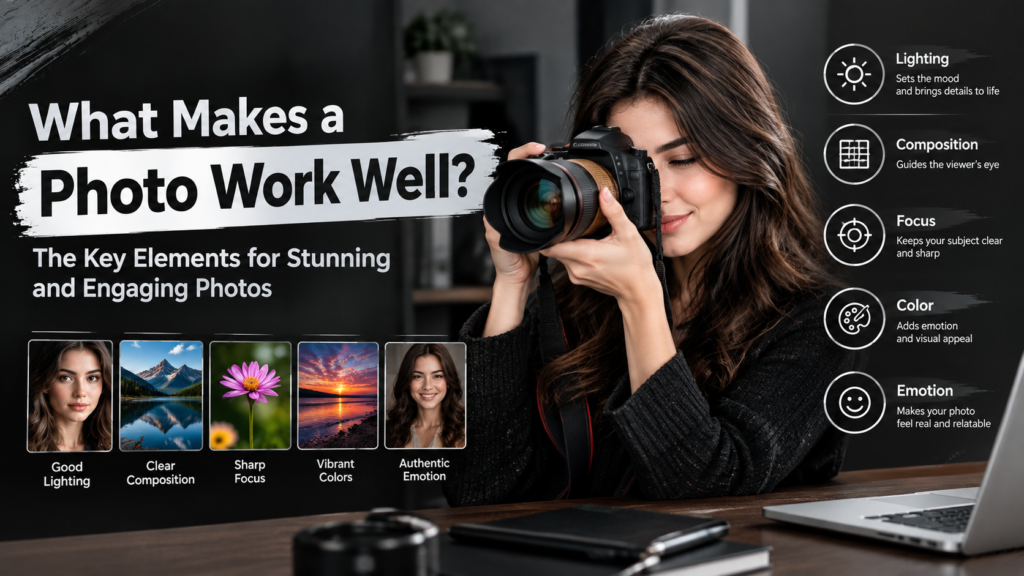
The quality of your photo decides the quality of your preview. A poor image leads to rough edges and strange colors. A few simple habits make a big difference.
Use this checklist before you upload:
- Bright, even light (near a window works well)
- Face and hair fully visible
- No heavy filters, since they distort color
- Hair not covered by a hat, scarf, or hand
- Plain background, if possible
- High resolution, not a blurry screenshot
Lighting is the most important factor. Soft daylight shows your true skin tone and hair color. Harsh sunlight can wash out details, so a shaded spot near a window is often best.
Photos taken under yellow indoor bulbs often make results look warmer than they will in real life. If you only have an indoor photo, treat the preview with extra care. Try to take a second shot in daylight for comparison.
Filters are another common problem. Beauty filters smooth your skin and change color balance. The AI then builds on those changes, and the final image drifts away from reality.
See More: Color Analysis Test: Discover Your Color Season & Ideal Hair Color
Best Hair Color Ideas to Try in 2026
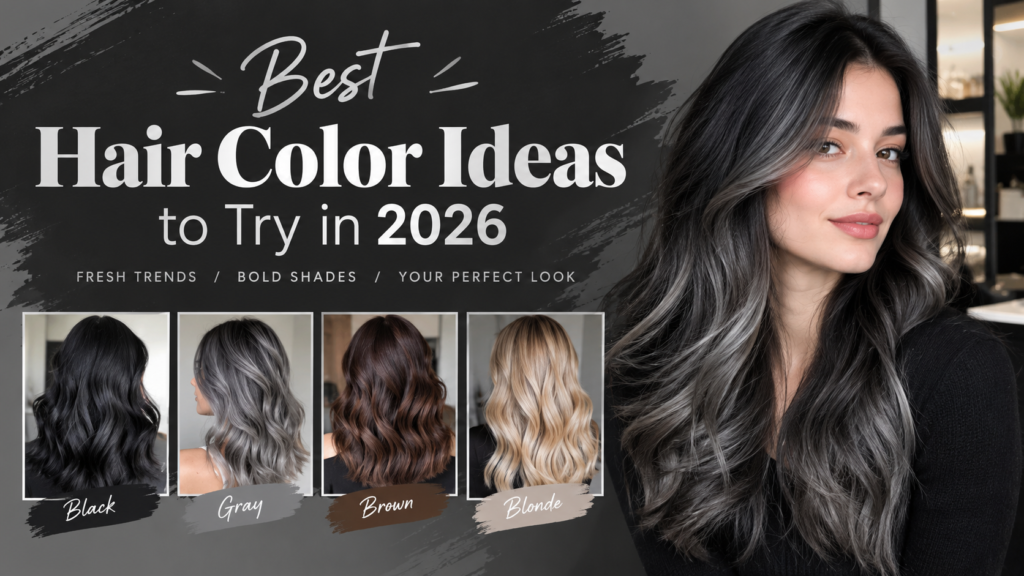
Simulators are most useful when you know what to test. Here are popular directions and who they tend to suit. The table gives a quick overview, and the notes below add more detail.
| Shade | Look | Often Suits | Maintenance |
| Chocolate brown | Soft, rich, natural | Most skin tones | Low |
| Caramel highlights | Warm, sun-kissed | Warm and neutral undertones | Medium |
| Ash blonde | Cool, smoky, modern | Cool undertones, fair skin | High |
| Copper | Bright, warm, eye-catching | Warm undertones | Medium to high |
| Burgundy | Deep red-purple | Olive and deep skin tones | Medium |
| Silver / platinum | Bold, icy | Cool undertones | Very high |
| Blue-black | Glossy, dramatic | Fair to deep skin tones | Low to medium |
| Pastel pink or lilac | Playful, fashion-forward | Anyone wanting a statement | Very high |
Chocolate brown: is the safest choice for most people. It looks natural, adds shine, and grows out gently. It is a great first test if you want a subtle change.
Caramel highlights: add warmth and dimension without a full color change. They work well on brown hair and blend softly as they grow. Many people choose them for a sun-kissed effect.
Ash blonde: gives a cool, modern look, but it is demanding to maintain. Brassiness returns quickly, so you will need purple shampoo and regular toning. Preview it carefully before you commit.
Copper and burgundy: are bold yet wearable. Copper brings bright warmth, while burgundy adds a deep, rich tone. Both fade over time, so plan for gloss treatments.
Silver, platinum, and pastel shades: make the strongest statement. They usually need bleach and frequent upkeep. A simulator lets you enjoy the look first, and decide later whether the work is worth it.
Use the table as a starting point, not a rule. The preview will tell you more than any chart.
How to Find Shades That Suit Your Skin Tone
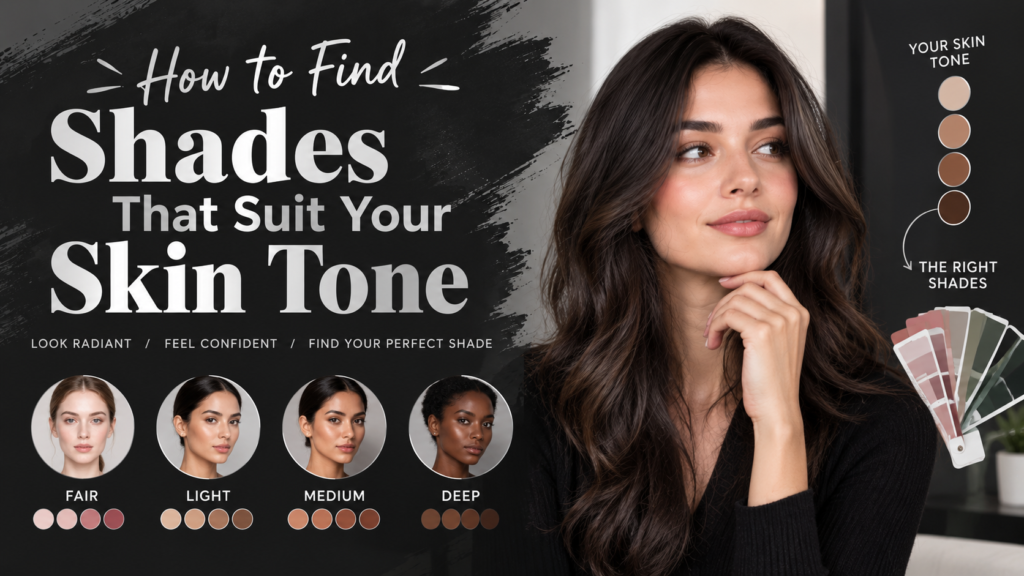
Undertone matters more than skin depth. Two people with the same skin depth can look best in very different shades. A quick check reveals your undertone.
Warm undertone: Veins look greenish, and gold jewelry flatters you. Try golden, copper, caramel, and warm brown shades. These colors bring out the natural glow in your skin.
Cool undertone: Veins look bluish, and silver jewelry flatters you. Try ash, beige blonde, plum, and cool brown shades. These tones keep your skin looking fresh and balanced.
Neutral undertone: You can wear both, so test freely. Neutral undertones give you the widest range of options. Focus on the mood you want instead of strict rules.
Eye color also plays a part. Brown eyes look striking with warm browns and coppers. Blue and green eyes often pop against cooler shades or deep reds.
Then let the simulator confirm it. If a shade makes your skin look tired or washed out on screen, it will probably do the same in person. Trust that first impression.
Simulator vs. Salon Consultation vs. Box Dye
Each method has strengths and weaknesses. The table shows how they compare on the factors that matter most. No single option is perfect on its own.
| Factor | AI Simulator | Colorist Consultation | Box Dye |
| Cost | Free to low | Often free or low | Low |
| Risk | None | Low | Medium to high |
| Accuracy | Good preview | Very accurate | Unpredictable |
| Speed | Seconds | 15–30 minutes | 1–2 hours |
| Accounts for your current hair | Partly | Fully | Poorly |
The simulator wins on speed and safety. You can test dozens of colors with zero risk to your hair. However, it cannot judge your real hair condition.
A colorist consultation is far more accurate. A professional can see your hair history, texture, and damage. They can tell you exactly what is possible and what it will cost.
Box dye is cheap and convenient, but it is the least predictable. The result depends heavily on your starting color. Mistakes are also harder and costlier to fix.
The best plan uses all three in order: preview, consult, then color. This path saves money and protects your hair. It also gives you the highest chance of loving the final result.
How Accurate Are AI Hair Color Try-Ons?
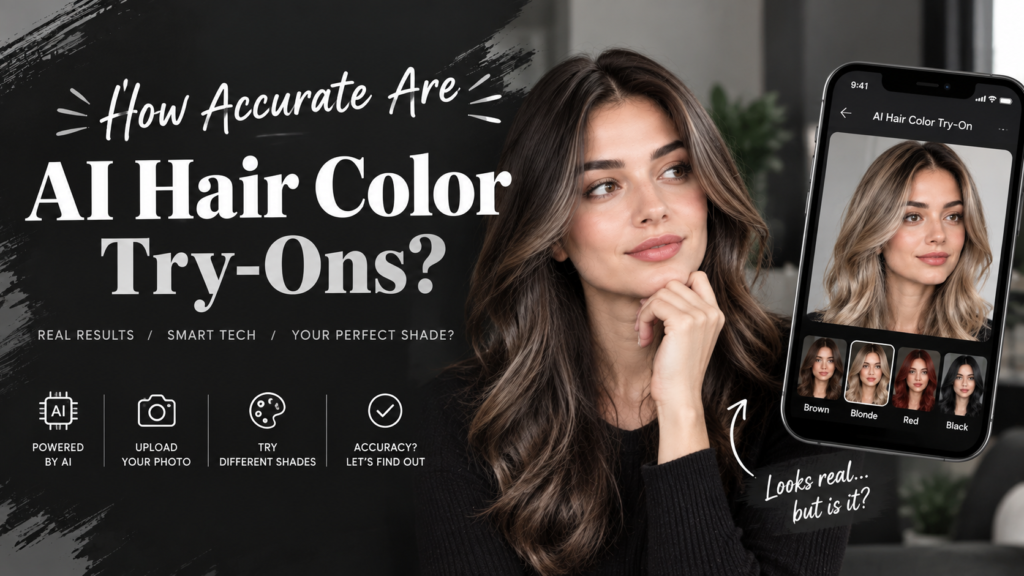
Honest answer: accurate enough to choose a direction, not to promise an exact outcome. The tool is excellent for judging style and tone. It is not a guarantee.
A simulator cannot see your real hair history. It does not know if you have old dye, gray strands, or damage. It also cannot calculate how much lift your hair can take.
Here is what can make real results differ from the preview:
- Your starting color: Dark hair going blonde needs bleach, and that changes the final tone.
- Hair condition: Damaged hair absorbs dye unevenly.
- Screen settings: Brightness and color profiles change how a shade looks.
- Dye formula: The same shade name varies between brands.
Screen differences are easy to overlook. The same image can look warmer on one phone and cooler on another. Check your preview on more than one device if you can.
Think of the simulator as a mood board that looks like you. It shows the direction, the vibe, and the general effect. The final details are decided at the salon.
Common Mistakes to Avoid
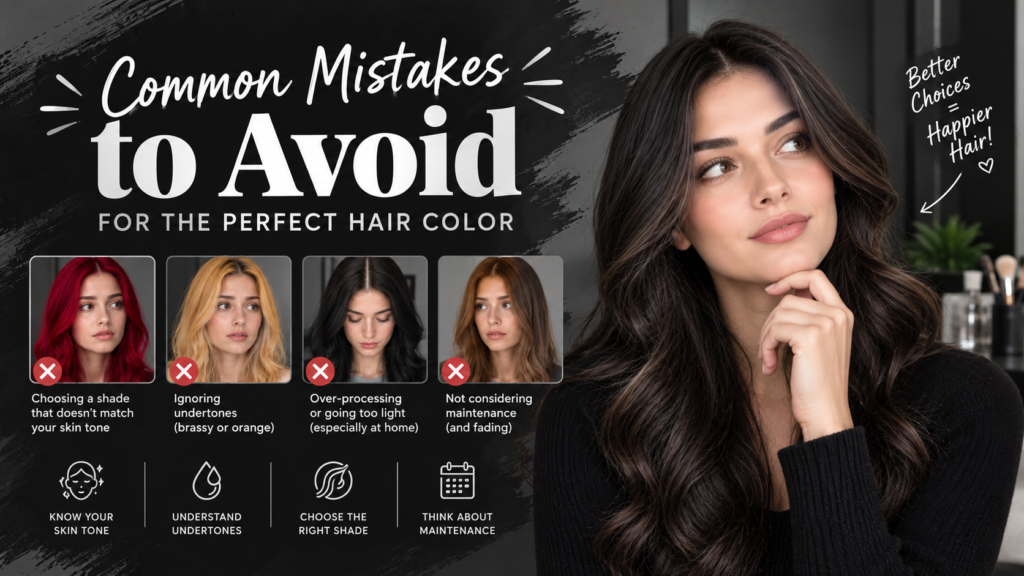
Most disappointments come from a few repeated errors. Avoid these, and your results will improve quickly. Each one is easy to fix.
Choosing a shade on the first try: Test at least five options. Your first pick is often not your best one. Comparing several colors helps you see what truly suits you.
Ignoring your base color: A big jump in shade means more time, cost, and damage. Going from black to platinum is a long process. Be realistic about the steps involved.
Trusting one photo: Check at least two lighting conditions. A single image can hide problems. Two photos give you a much more honest view.
Skipping the colorist: Show your favorite previews and ask what is realistic. A short chat can save you from an expensive mistake. Professionals also know which products suit your hair type.
Forgetting upkeep: Some colors fade fast and need toning or special shampoo. Ask about the routine before you decide. A beautiful color is only worth it if you can maintain it.
How to Use Your Preview at the Salon
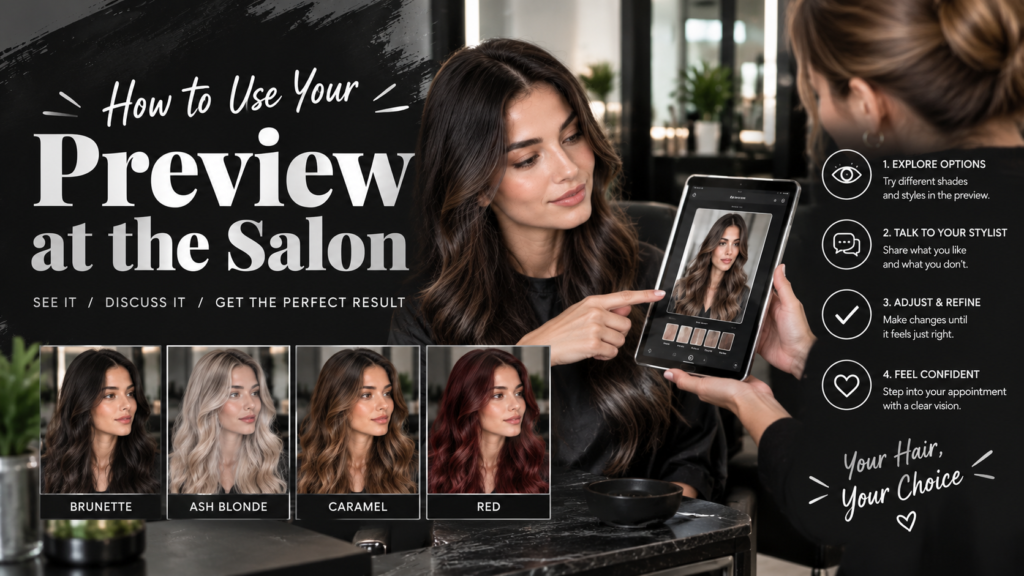
A saved preview is a great communication tool. Words like “warm brown” mean different things to different people. A picture does not.
Bring these items to your appointment:
- Your top two or three simulator results
- One or two real-life reference photos of the shade
- A note on any past dyes, bleach, or treatments
- Your budget and how often you can return for touch-ups
Real-life reference photos matter because they show how the color looks on actual dyed hair. Combined with your simulator images, they give the colorist a clear target. This reduces confusion and saves time.
Be open about your hair history. Even old box dye can affect the result. Your colorist needs the full story to plan the safest route.
Ask your colorist these questions:
- Can my hair reach this shade in one session?
- What will it cost to keep it looking fresh?
- Is there a slightly lower-maintenance version of this color?
Listen carefully to the answers. A good colorist may suggest a small adjustment that gives a better result. Staying flexible often leads to a shade you love even more.
Free vs. Paid Hair Color Simulators: What to Look For
Many tools are free, and free is often enough. Paid versions usually add higher resolution, more shades, and fewer limits. Whichever you choose, quality matters more than price.
Before you pick one, check for:
- Natural-looking blending around the hairline
- Support for short hair and different hair types
- A wide shade range, including highlights and ombré
- No forced sign-up for basic use
- Clear privacy terms for uploaded photos
- Mobile-friendly design if you plan to use your phone
Test the tool with the same photo you plan to use. Look closely at the edges of your hair. If the color spills onto your skin or background, try another simulator.
Watch for hidden limits as well. Some free tools add watermarks or cap the number of daily tries. These are fine for casual use, but they can slow down a serious color search.
Privacy note: Your face photo is personal data. Read the tool’s policy, and avoid uploading photos of children or other people without permission.
Who Benefits Most From a Virtual Try-On?
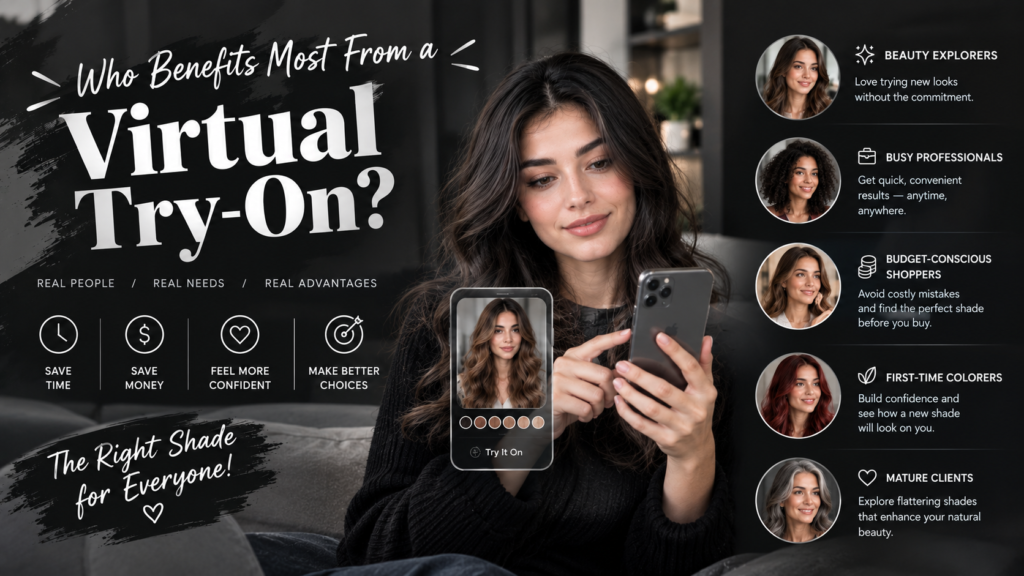
Almost anyone can gain something from a preview. Some groups benefit more than others. See if you recognize yourself below.
- First-time dyers: who want confidence before the first step
- Anyone considering a big change: like brunette to blonde
- People growing out damage: who want to plan carefully
- Men and short-haired users: who are often ignored by older tools
- Creators and stylists: planning looks for clients or content
First-time dyers gain the most peace of mind. They can explore options without any risk. This removes much of the fear around a first color.
Anyone planning a dramatic change should use a simulator early. Big changes cost more and are harder to reverse. A preview helps you decide if the change is truly right.
Stylists and creators use these tools to show ideas quickly. A client can see the concept before any product is mixed. This builds trust and speeds up decisions.
Frequently Asked Questions
What is an AI hair color simulator?
It is an online tool that recolors the hair in your photo so you can preview a shade before dyeing. It uses AI to find your hair and apply a new color naturally. The process takes only seconds.
Are AI hair color simulators free?
Many offer free previews, though some limit resolution, daily uses, or premium shades. Free versions are usually enough for basic testing. Paid plans add extra features for frequent users.
How accurate is a virtual hair color try-on?
It is reliable for judging tone and style, but real results depend on your starting color and hair condition. Use it to pick a direction. A colorist can confirm what is achievable.
Can I try hair colors on my phone?
Yes. Most simulators work in a mobile browser or app. You can even take a fresh photo in daylight and upload it right away.
What kind of photo gives the best result?
A sharp, front-facing photo in natural daylight with your hair fully visible. Avoid filters, hats, and heavy shadows. A plain background also helps the AI find your hair.
Will the simulator show me how bleach or dye will actually turn out?
No. It shows a digital preview only, so a colorist should judge how your real hair will react. Bleach lift, tone, and damage cannot be predicted from a photo.
Can I try highlights, balayage, or ombré?
Many tools support them, though the effect is usually simpler than a custom salon technique. Use the preview to get the general look. Your colorist can refine the placement.
Does it work on short hair or men’s hair?
Modern tools generally do, but results vary, so test a few before choosing one. Short and textured styles can be harder to detect. A clear photo improves the outcome.
Is it safe to upload my photo?
It depends on the site, so read its privacy policy and delete uploads if the tool allows it. Choose tools with clear terms. Avoid sharing photos of other people without their consent.
How do I know which shade suits my skin tone?
Check your undertone (warm, cool, or neutral), then compare several previews side by side. Pay attention to how each color affects your skin. If you look bright and healthy, the shade is a good match.
Conclusion
An AI hair color simulator will not replace a skilled colorist, but it takes most of the guesswork out of choosing a shade. It lets you explore bold and subtle ideas without any risk. You also learn what suits your skin tone before you spend any money.
Start with a clear, well-lit photo. Test more colors than you think you need, and check them in different lighting. Save your favorites so you can compare them calmly and choose with confidence.
Then take your top picks to a professional who can tell you what your hair can actually do. You can try a bold new color for free in under a minute. That is a much cheaper way to find out what you do not like.





1 thought on “AI Hair Color Simulator: Try Hair Colors Virtually Before You Dye (2026)”