
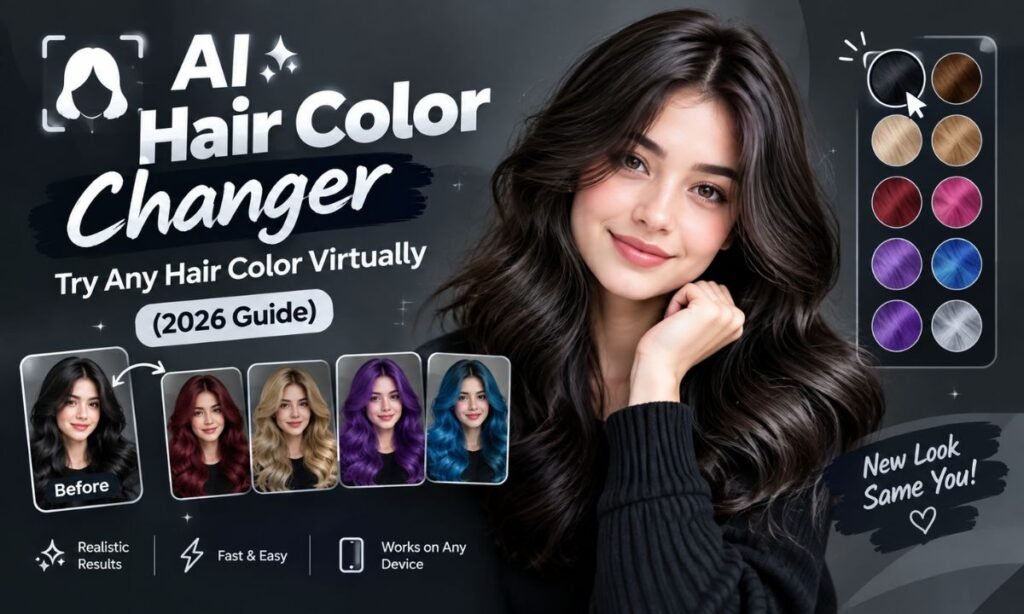
Choosing a new hair color used to mean flipping through swatch books at the salon and hoping for the best. It was a process built almost entirely on guesswork, trust, and a little bit of luck. Many people walked out of appointments disappointed because the color on the swatch never quite matched the color on their head.
In 2026, that uncertainty is largely gone. An AI hair color changer lets you upload a photo and preview dozens of shades on your own face in seconds. There is no dye involved, no financial commitment, and no risk of regret before you even sit in the chair.
These tools have become mainstream enough that many people now treat them as a required first step before any major hair transformation. Instead of relying on a stylist’s verbal description or a swatch held next to your cheek, you can see a realistic rendering of the exact color on your own face. This shift has changed how people approach salon visits altogether.
This guide breaks down how these tools work, which one might suit you, and how to get the most realistic results before you book your next salon appointment. We will also cover aftercare, common limitations, and tips to make sure your virtual preview translates well into real life. By the end, you should feel confident trying one of these tools yourself.
What Is an AI Hair Color Changer?
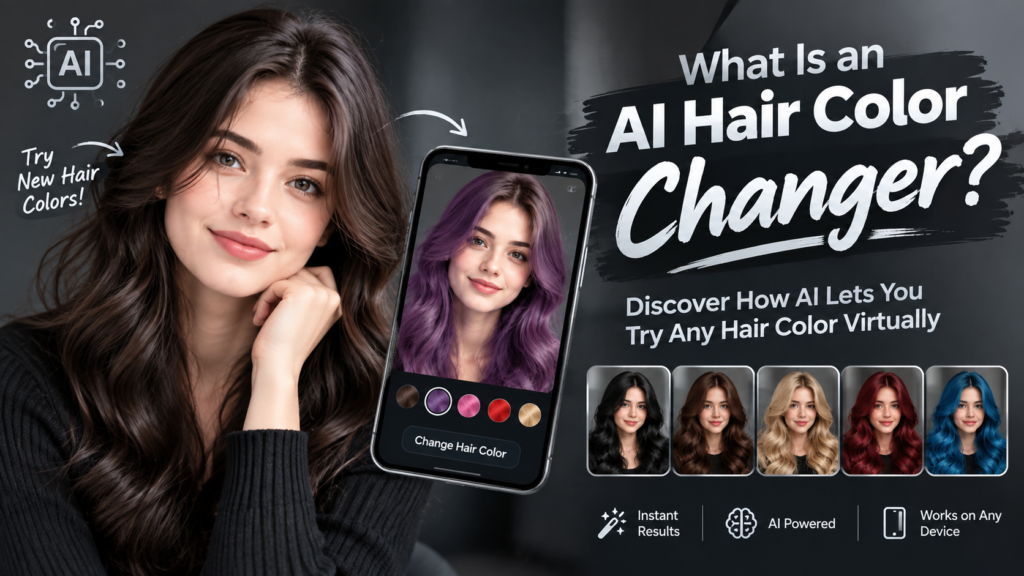
An AI hair color changer is an online tool that uses machine learning to detect your hair in a photo and digitally recolor it. It keeps your face, skin tone, and hair texture untouched while it works. Instead of imagining how “copper balayage” or “platinum blonde” might look on you, you can actually see it rendered on your own image.
These tools rely on computer vision models trained on thousands of hair textures, lighting conditions, and color combinations. The AI does not just paint over your hair with a flat color. It analyzes strand direction, volume, and shadow so the new shade looks like it was always there.
Most tools work through image recognition and generative AI models that separate your hair strand by strand from the background. Color is then applied while respecting lighting, shadows, and strand direction. The result looks far more natural than oldschool photo editing filters, which often left hair looking flat or artificially glossy.
Because the technology has matured significantly since earlier versions, today’s simulators can handle multiple hair lengths, layers, and even partial coloring like balayage or moneypiece highlights. This makes them useful for far more than a simple fullhead color swap. Many tools now also support facial hair and eyebrow tinting for a more complete preview.
How It Works
Every major hair color simulator follows roughly the same threestep flow, regardless of the platform or interface design. Understanding this flow helps you get better results on your first try. It also saves time if you plan to test several tools before deciding on one.
Upload your photo
A clear, front facing photo with visible hair works best. Natural lighting improves accuracy, and the AI needs an unobstructed view of your hairline and strands to work properly. Photos taken outdoors during the day tend to give the cleanest results.
Pick a color
Choose from a preset palette such as blonde, brunette, red, pastel, or fantasy tones. You can also type a custom shade like “chocolate cherry” or “ash platinum.” Many newer tools let you upload a reference image of a color you like and match it automatically.
Get your looks in seconds
The AI renders the new color instantly, often generating two or three variations so you can compare shades side by side. Some platforms even let you finetune intensity, warmth, or shine after the initial render, giving you more control over the final look.
That is it. There are no software downloads, no design skills required, and no need to visit a stylist just to “see” the color first. The entire process typically takes under a minute from upload to final result, which is part of why these tools have become so popular so quickly.
See More: Hair Color Mixing Calculator
Why Try Hair Color Virtually Before Dyeing
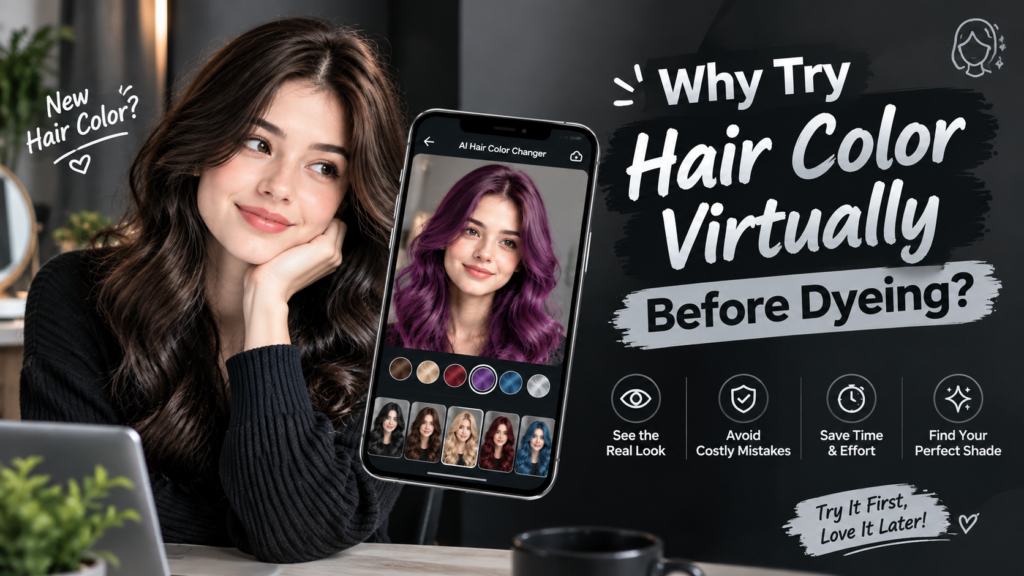
Dyeing your hair is time consuming, expensive, and sometimes damaging, especially if you are going lighter. A virtual tryon removes much of the guesswork and gives you a clearer starting point before committing to anything permanent.
Avoid costly mistakes: Salon color corrections can cost more than the original service, sometimes double or triple the price. Seeing a shade digitally first reduces the chance of an unwanted surprise once you leave the salon chair.
Test bold shades riskfree: Curious about pink or copper hair but nervous about committing? Try it digitally first without risking your natural hair’s health or condition in the process.
Compare multiple shades instantly: See blonde, brunette, and red side by side before deciding, rather than committing to one option based on imagination alone. This makes the decisionmaking process much less stressful.
Bring a reference photo to your stylist: A realistic preview helps your colorist understand exactly what you want, which reduces miscommunication during the consultation and saves time in the chair.
Protect your hair health: Skip unnecessary bleaching or toning experiments that can weaken strands over time. Testing digitally means fewer chemical processes are applied to your actual hair.
Best AI Hair Color Changer Tools to Try in 2026
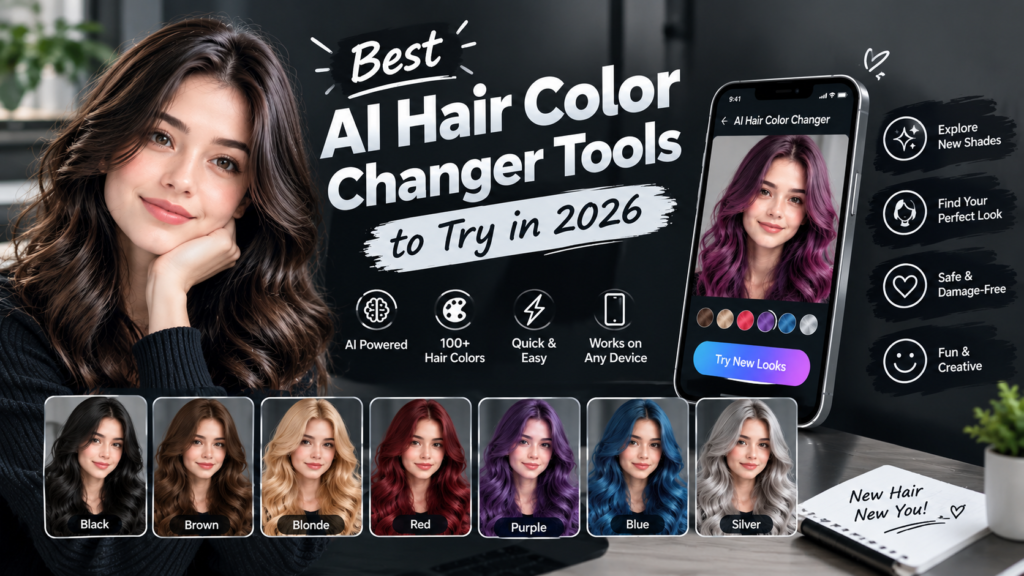
There are now several well known platforms offering hair color simulation, each with slightly different strengths depending on what you need. Picking the right one often comes down to your experience level and what you plan to use the preview for.
| Tool | Best For | Key Feature | Price |
| Fotor | Beginners, mobile users | Wide preset color library | Free + Pro plans |
| AI Ease | Custom color prompts | Text based color input | Free with limits |
| Evoto | Professional photographers | Highres, studiograde edits | Free trial + paid |
| iFoto | All hair types and genders | Detailed strandlevel matching | Free |
| VisualGPT | Quick single click try ons | Instant multishade generation | Free |
Fotor tends to be the easiest entry point for people who have never used an AI editing tool before, thanks to its simple interface and large preset library. It is a good starting place if you just want to experiment casually.
AI Ease appeals to users who want more creative control through text prompts rather than clicking through fixed swatches. This makes it a strong choice for people chasing a very specific, unusual shade.
Evoto is generally favored by professionals who need studioquality output, such as photographers or content creators producing marketing material. The results tend to hold up well even at high resolution.
iFoto stands out for handling a wide range of hair types, while VisualGPT is ideal for people who just want a fast, no fuss preview. Both are worth trying if speed and simplicity matter most to you.
Features and pricing may change over time, so it is always worth checking the tool’s current site for updates before relying on any specific claim made here.
What You’d Need Before You Start
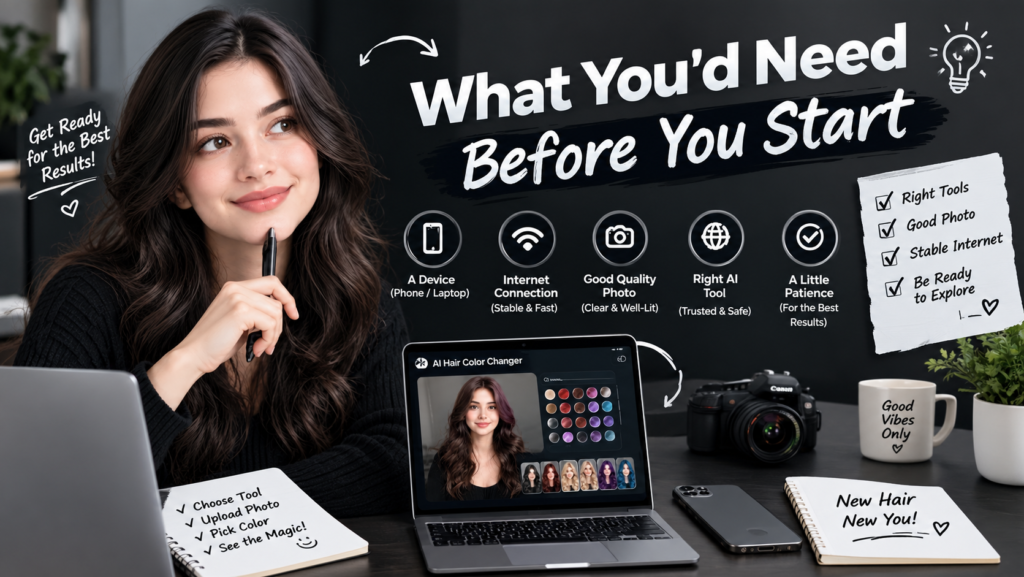
Getting a realistic preview depends heavily on your starting photo, so a little preparation goes a long way. The quality of input directly affects the quality of the output, no matter which tool you choose.
- A front facing photo with your full hairline visible
- Natural or soft indoor lighting, avoiding harsh shadows or backlighting
- Loose, untied hair so the AI can read texture and length correctly
- A neutral background to help the tool isolate your hair
- No filters or heavy makeup edits applied beforehand
Skipping these steps does not necessarily break the tool, but it does reduce accuracy. A photo taken in dim lighting or with hair pulled back, for example, may produce a color preview that looks noticeably different from reality. Taking a few extra minutes to set up the right shot is almost always worth it.
Found the One? The Precise Formula to Get It
Once you have picked a shade you love in the app, do not walk into the salon with just a screenshot and expect an identical result. Digital previews are a guide, not a technical formula, so some translation work is still needed on the stylist’s end.
Ask your colorist to translate the digital shade into an actual formula using several key factors. These considerations determine whether the color is achievable in one session or requires a longer, multistep process.
- The base color level, meaning how light or dark your natural hair is
- The tone, whether warm, cool, or neutral undertones
- Whether it requires bleaching, toning, or a single process dye
- The maintenance level, since some shades fade faster than others
A good stylist can match a virtual preview to a real formula, but the final result may vary slightly depending on your natural hair condition and porosity. Hair that has been previously colored or chemically treated may also respond differently than the AI model assumes, so mention your hair history during the consultation.
To Care for This Color at Home
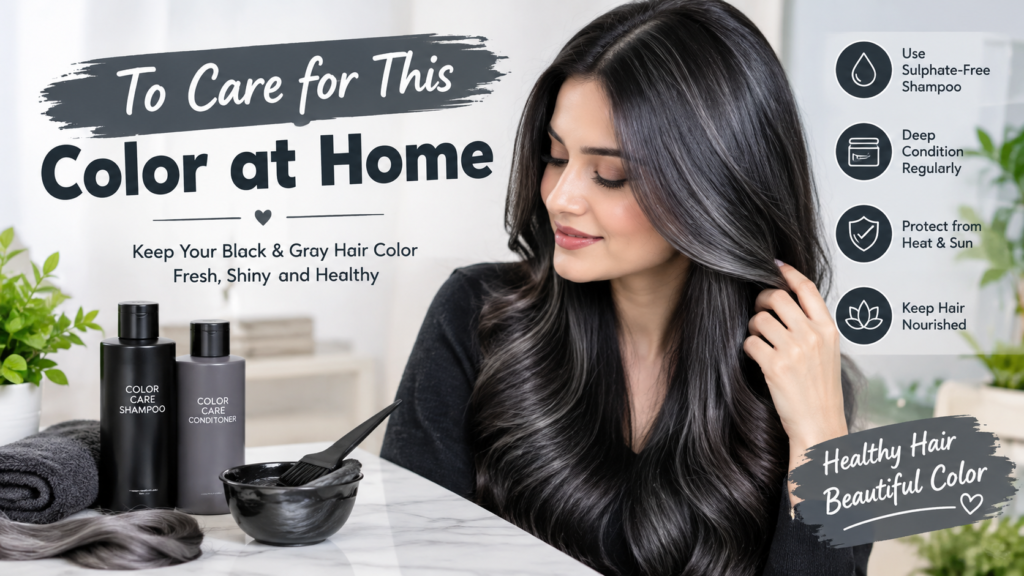
Whatever shade you land on, keeping it vibrant afterward matters just as much as picking it in the first place. The right aftercare routine extends the life of your color and protects overall hair health.
For Cool or Ash Tones
- Fanola No Yellow shampoo
- Olaplex No.4 Bond Maintenance Shampoo
- Wella Invigo Color Brilliance mask
For Warm or Copper Tones
- Fanola No Orange shampoo
- Wella Invigo Color Brilliance shampoo and conditioner set
- Fanola Nourishing conditioner
For Blonde or Lightened Hair
- Wella Invigo Color Brilliance shampoo and conditioner set
- Wella Invigo Color Brilliance mask
- Olaplex No.5 Leave in conditioner
For Brunette or Deep Tones
- Wella Invigo Color Brilliance shampoo and conditioner set
- Olaplex No.4 Bond Maintenance Shampoo
- Olaplex No.5 Leave in conditioner
For Vivid or Fantasy Colors
- Fanola Nourishing conditioner
- Olaplex No.5 Leave in conditioner
- Wella Invigo Color Brilliance mask
Colorsafe, sulfatefree products help slow fading and keep tones looking fresh between salon visits, regardless of which shade you chose virtually. Consistent use of these products can meaningfully extend the time between touchups, saving both money and hair health in the long run.
Tips for the Most Realistic Results
Getting an accurate preview is not just about the tool itself. How you use it matters just as much, and a few small adjustments can significantly improve reliability.
Try multiple photos in different lighting to see how the color reads in various conditions. A shade that looks perfect in bright daylight might read very differently under indoor lighting later on.
Test both bold and subtle versions of a shade, since many tools let you adjust intensity. This helps you understand the full range of a color before committing to one specific look.
Crosscheck the digital result against real photos of people with similar skin tones wearing that color. This adds a useful layer of realworld verification beyond the AI render alone.
Remember that screen calibration affects how colors appear, so check the result on more than one device if possible. Use the tool as a starting point for discussion with your stylist, not as a guaranteed final outcome.
Who Should Use an AI Hair Color Changer?
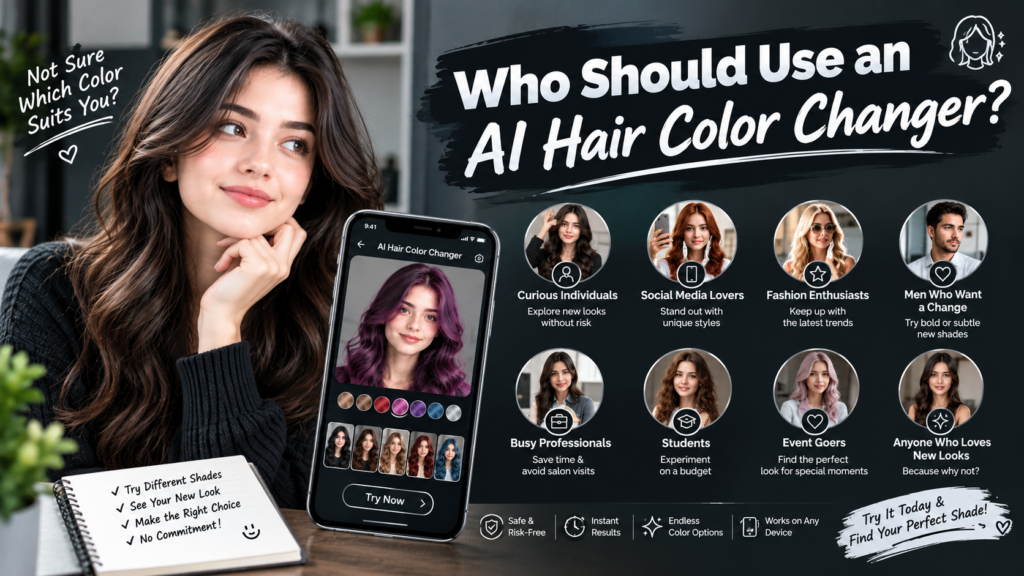
These tools are not limited to any single type of user. They serve a wide range of needs across very different situations and goals.
- People considering a drastic change, such as dark to blonde or natural to fantasy colors
- Anyone preparing for a salon consultation and wanting a reference image
- Content creators and stylists showing clients options without physical testing
- People who simply enjoy experimenting with looks for fun
Even users who have no immediate plans to dye their hair often use these tools purely out of curiosity, since there is no cost or risk involved in testing a look. It has become a casual form of digital experimentation for many people.
Limitations to Keep in Mind
While these tools are impressive, they are not perfect predictors of realworld results, and it is important to set expectations accordingly before you rely on them too heavily.
Virtual previews cannot simulate hair damage risk from bleaching or chemical processing. A shade might look flawless on screen but require aggressive lightening that is not suitable for already fragile hair.
Extremely curly or textured hair may render less accurately in some tools, since many models were originally trained on straighter hair types. This gap is closing over time, but it has not disappeared entirely.
Lighting differences between your uploaded photo and the final result can shift how a shade looks once you are standing in a salon under different lighting. Results are a visual approximation, not a guaranteed final color match.
Frequently Asked Questions
Is an AI hair color changer free to use?
Most tools offer free basic access, though some limit the number of tries or high resolution downloads without a paid plan.
Do I need to download an app to use it?
No, most AI hair color changers work directly in your browser with no installation required.
How accurate are the color results?
They are generally realistic for preview purposes, but actual salon results can vary based on your natural hair and the dye process used.
Can I use it on curly or textured hair?
Yes, though results may be slightly less precise compared to straight hair depending on the tool you choose.
Will the tool tell me which dye to actually buy?
No, it only shows a visual preview. A stylist can help translate it into an actual color formula.
Can I try more than one color at a time?
Yes, most tools let you generate several shades from a single uploaded photo for easy comparison.
Final Thoughts
An AI hair color changer takes much of the anxiety out of choosing a new shade. Instead of hoping a color will suit you, you get to see it first, instantly, realistically, and for free in most cases.
Whether you are leaning toward a subtle balayage or a bold fantasy color, uploading a photo and testing a few options before your appointment can save you time, money, and a potential birthday surprise. The technology continues to improve each year, making previews even more reliable than before.
Try a few different tools, compare results, and bring your favorite look to your stylist. The right color is a lot easier to find when you can actually see it on yourself first, rather than relying on guesswork alone.





1 thought on “AI Hair Color Changer: Try Any Hair Color Virtually (2026 Guide)”